TRAVEL NOTES / NO. 037
TUESDAY, SEPTEMBER 22, 2026
Travel Problems · 5 MIN READ124
Three minutes left in an airport restroom, and the order of what comes after
Losing your phone abroad is disorienting, and doing things in the wrong order can turn a small mishap into a larger loss
By Find to Send Editorial
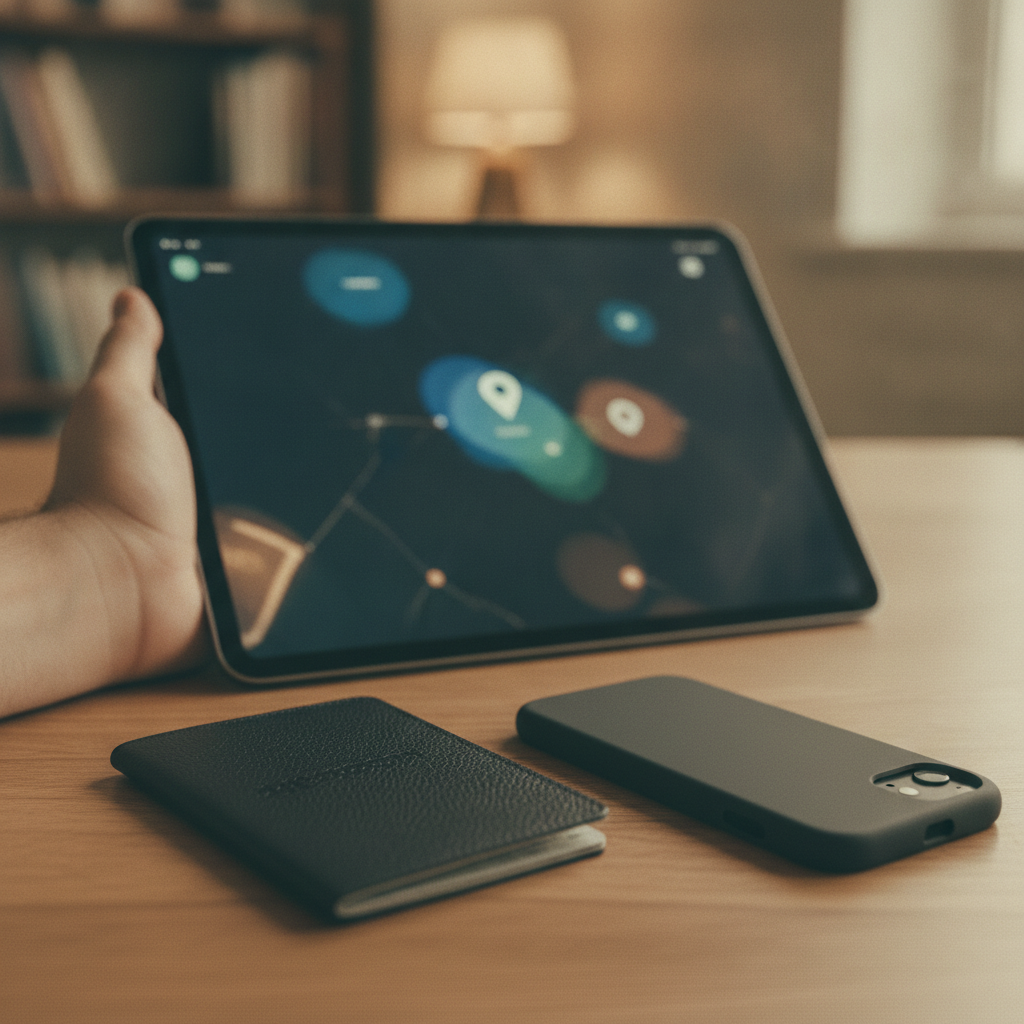
At Incheon Airport's transit lounge restroom, less than three minutes had passed since the phone was set down by the sink to wash hands. Turning back, there was nothing there. Pockets were checked first, then the bag, then the path just walked was retraced. And then it hits — everything was inside that one device.
The boarding pass QR code, the hotel confirmation, notes on remaining cash, and the banking app, email, and messenger all logged in. This is why losing a single phone can feel like the whole trip is unraveling. And the first thing most people do in that moment is, in fact, the thing that could wait.
Running to the lounge desk to explain what happened, the mind goes blank. The staff is kind, but the language is different, and the explanation of the lost-item procedure is drowned out by boarding announcements. Only a passport and wallet remain in hand, and the disappearance of the screen that was there moments ago hasn't quite registered yet. Other travelers roll their suitcases past, and the clock keeps moving. Two instincts kick in here — running back to the restroom to search, or asking nearby people if they've seen a phone. Neither is wrong, but the minutes that pass in between are actually the most dangerous stretch.
The real problem isn't the loss of the device itself but that every service logged into it becomes exposed to whoever holds it, from that moment on. A banking app, messenger, email, cloud photo album — a locked screen alone offers no real assurance, because many apps are designed to bypass locks through biometrics or simplified passcodes, and someone with enough time can find ways around the lock screen itself.
What makes this harder is having to make all these decisions abroad, in an unfamiliar language, under a tight schedule. The next flight has a fixed time, and so does hotel check-in. There's a physical sense of having no room to sit and think through the order calmly. So people default to the most visible action — reporting to a lost-and-found or a police station — while the accounts inside the phone sit wide open the entire time.
This happens because a smartphone isn't just a communication device but the central hub of authentication. Banking apps stay logged in, messengers register the device itself as a trusted terminal, and email often serves as the gateway for resetting passwords on every other account. In other words, controlling one phone means sequentially gaining access to email, then the bank and shopping accounts linked to that email, then the payment methods stored in those accounts. The finder isn't necessarily malicious, but the structure itself is too fragile to rely on a single lock screen for all defense.
One more thing worth knowing is that the carrier and the cloud service operate at different layers. The carrier's remote lock blocks the SIM and the line itself, cutting off verification texts or calls sent to that number, while the cloud service's find-my-device function locks the screen at the operating system level, tracks location, and wipes data if needed. Neither can substitute for the other. Doing only the carrier step leaves apps connected via Wi-Fi still open; doing only the cloud step leaves room for text verification to be intercepted. So the key is covering both, in the right order.
First, call the carrier's customer center or use their app to request a line suspension or remote lock on that number. All three major Korean carriers run dedicated lost-device hotlines or websites, and reporting via international call is often possible even while roaming, so having your passport number or subscriber information noted beforehand speeds things up.
Second, borrow a laptop or someone else's phone to log into the cloud service's find-my-device page. For iPhone, that's iCloud's Find My; for Android, Google's Find My Device — check the location, and if that's not possible, execute a remote lock or wipe immediately. If Wi-Fi is connected at this stage, the wipe command executes right away; if data is off, it executes the next time the device connects, so there's no need to panic if it doesn't happen instantly.
Third, change passwords on major accounts in order — email first, then banking, messenger, and social media. Email comes first because it's the gateway for resetting passwords on every other account, followed by banking and payment apps since those carry direct financial risk.
Fourth, visit a carrier store or a tourist support center to get a replacement SIM or a temporary one, restoring local contact ability — this is usually possible same-day with just a passport.
Fifth, once there's breathing room, getting a lost-item report from the police is worth doing, since it's often required for insurance claims or carrier fee waivers.
Back at that restroom sink — what happened in those three minutes can't be undone, but the order of what happens in the next thirty minutes makes an entirely different outcome. What gets lost while traveling is, in the end, not the object but the time, and how that time is spent decides the rest of the trip.
Lost something in Korea?
We help travelers recover items left behind at hotels and other locations in Korea, and send them anywhere in the world.
Find my item